
Technical SEO tooling and site extraction
Sitemap website downloader
A local business had three different turnaround-time claims spread across more than 150 pages. I built a tool that downloads every sitemap URL so the complete HTML can be searched locally.
Problem
One website gave three answers to the same question.
Customers were being told that turnaround took 5 to 7 days, 6 to 8 days, or 7 to 10 days, depending on the page they opened.
Consistency was the problem. Finding every occurrence was the bottleneck.
Core business information should agree wherever it appears. Conflicting facts give customers no reliable answer and make it harder for search engines and AI systems to interpret the business consistently.
The site had more than 150 pages. Opening pages one by one and trying to remember every variation was slow, incomplete, and difficult to verify.
That led to a practical idea: download the whole website from its sitemap, keep the HTML on my computer, and search the complete codebase with Codex, Cursor, Claude Code, or a standard code-search tool. The review could then identify the exact files containing each turnaround-time claim.
Implementation
The sitemap became a complete local search surface.
A user supplies one sitemap URL. The program follows nested sitemaps, downloads each listed page, preserves its HTML locally, and writes a structured inventory for review.
- ReadOpen an XML sitemap or follow a sitemap index.
- FetchDownload listed URLs and record the HTTP result.
- SaveStore pages and same-site files in a local folder.
- ReviewSearch the local HTML with an AI coding tool or standard code search.
Test evidence
A full run produced pages, assets, and structured records.
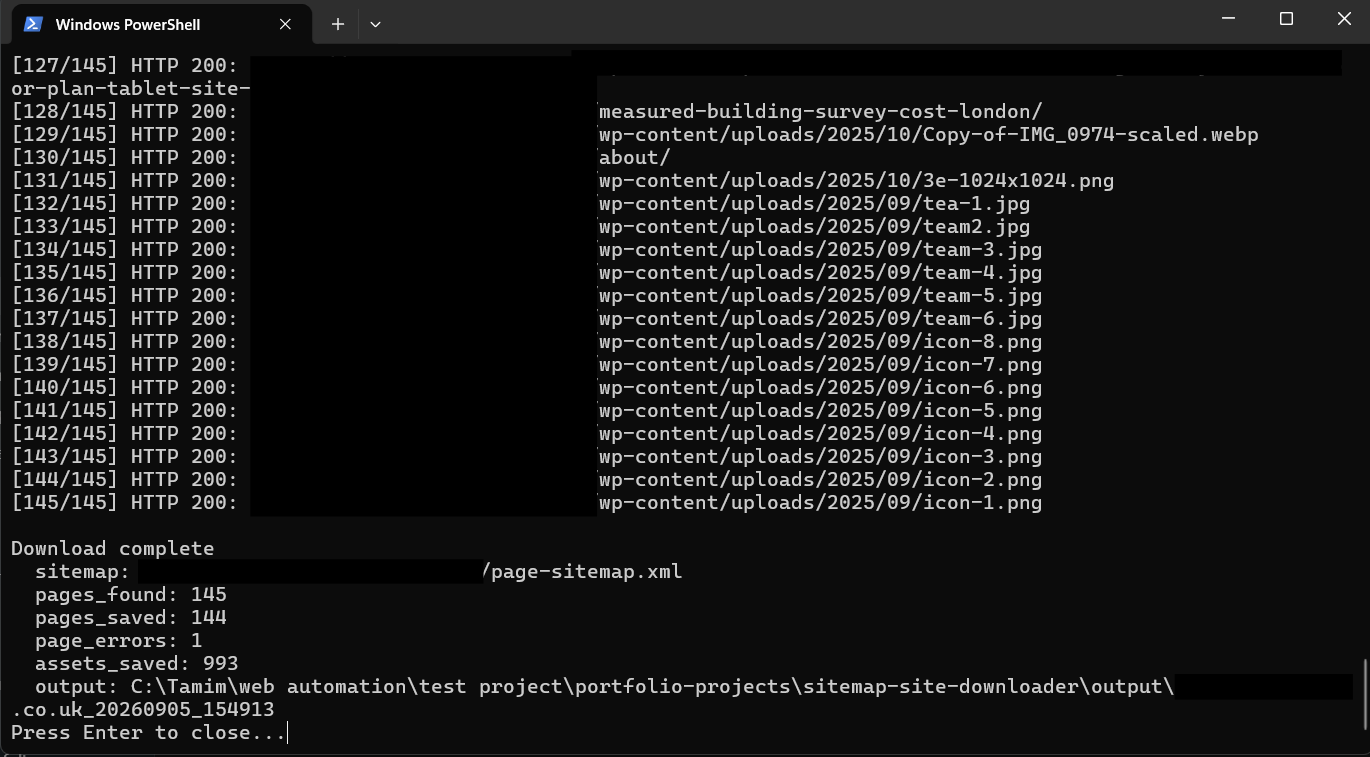
The supplied test run used a 145-URL sitemap. The tool saved 144 listed URLs, recorded one error, and saved 993 additional same-site assets.
The downloader worked through the complete supplied URL list.
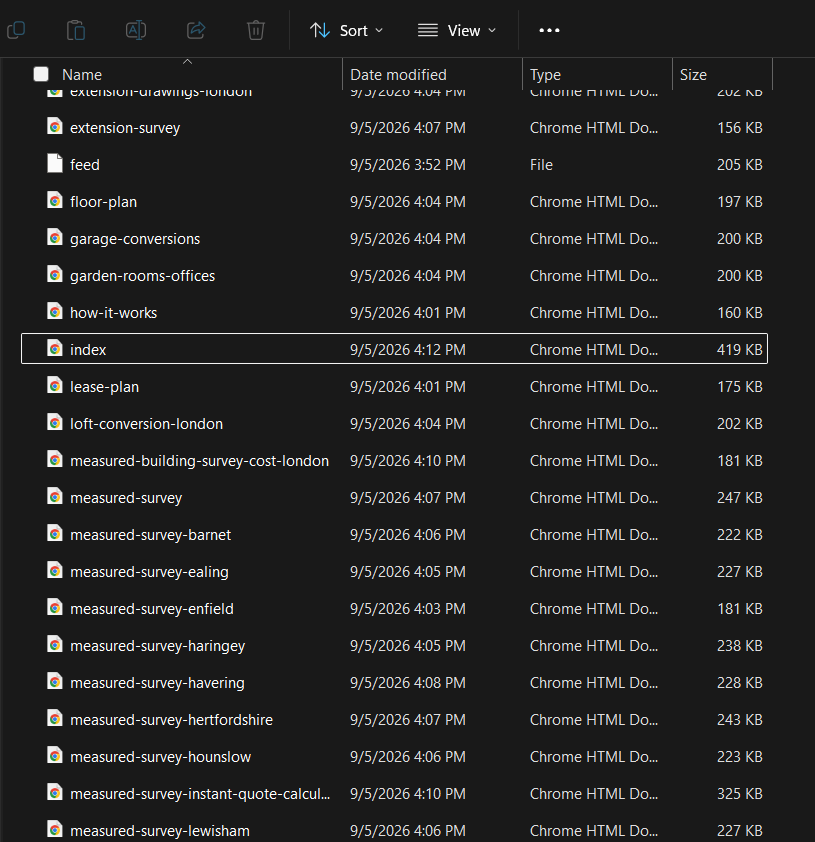
Downloaded pages were written into a local site structure.
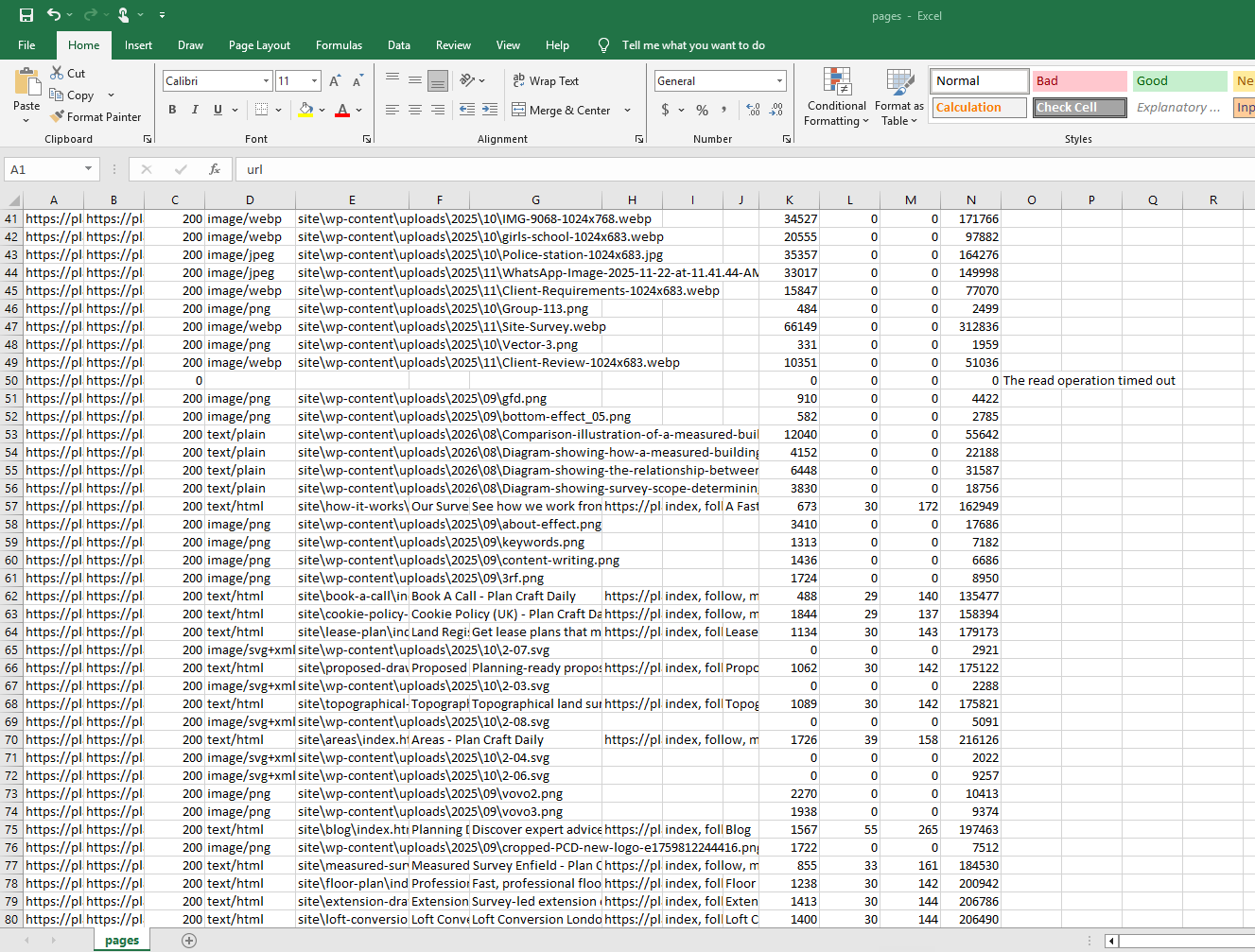
The summary kept both the successful files and the failed page visible.
Result
The hunt moved from page-by-page browsing to one local codebase.
- Use case
- Find every occurrence and variation of a business claim across locally saved HTML.
- Input
- One sitemap URL, including sitemap indexes.
- Local output
- Saved HTML pages and same-site assets with local references rewritten where possible.
- Page fields
- Status, content type, title, description, canonical, robots, H1, word count, links, assets, bytes, and errors.
- Files
- site folder, pages.csv, files.csv, and summary.txt.
Limits
The saved copy is a technical artifact.
The downloader creates searchable evidence, not a verdict. A person or analysis tool still has to decide whether two statements genuinely conflict.
Content that exists only after client-side JavaScript runs may not be saved.
Forms, search, login, carts, and other backend actions do not work in the local copy.
A site can block automated requests. The downloader reports that problem instead of treating HTML as sitemap XML.
The tool should be used only on websites the user owns or has permission to download.